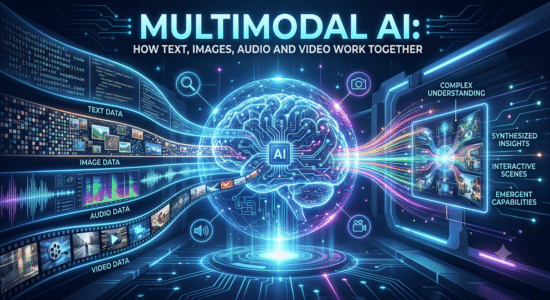
This guide to multimodal ai: how text, images, audio and video work together explains the core concepts, practical decisions, and common mistakes to watch for. Use the steps below as a starting point, then verify details against the tools and requirements in your own workflow.
What makes a system multimodal?
A multimodal model can accept or produce combinations such as text and images, speech and text, or video frames with audio. The model must connect signals that have different structures and timing. Some products use one unified model, while others route information through several specialized components.
Examples in everyday work
A system might summarize a chart from a screenshot, answer questions about a recorded meeting, describe a product photo, or generate speech from text. The quality depends on the task: reading a large spreadsheet image is different from recognizing a person in a video or interpreting a noisy recording.
Important limitations
Models can miss small text, confuse objects, overlook context, or invent details when evidence is unclear. Audio transcription can fail with accents and background noise. Video summaries may omit brief but important events. For high-stakes use, keep the original media available and verify important claims against it.
Practical checklist
Test each modality separately, then test the combined task; never assume one impressive demo proves broad reliability.
Try it yourself
Use a screenshot containing a simple chart and ask a multimodal system to describe its title, axes, and main trend. Compare every number it extracts with the original chart. Then try a second task, such as summarizing a short meeting recording, and note which kinds of errors appear in each modality.
Editorial note: This educational guide explains general methods and does not claim independent product testing. Check official documentation for current features, pricing, and terms before making decisions.