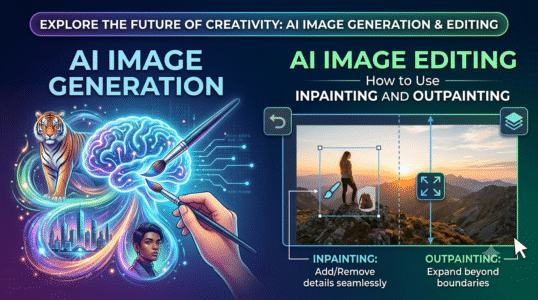
This guide to ai image editing: how to use inpainting and outpainting explains the core concepts, practical decisions, and common mistakes to watch for. Use the steps below as a starting point, then verify details against the tools and requirements in your own workflow.
Use inpainting for localized changes
Mask only the region you want to replace, leaving enough surrounding context for the model to match lighting and perspective. Describe the replacement clearly and state what must remain unchanged. Large masks may cause the system to reinterpret nearby objects.
Use outpainting to change the frame
Extending a square image into a landscape or portrait frame requires the model to invent new surroundings. Describe the continuation of the scene, the direction of light, and any objects that must not be added. Inspect edges where the generated area meets the original.
Blend and verify
Check shadows, repeated patterns, perspective lines, skin texture, and object boundaries. A local edit can look convincing at first glance but break reflections or geometry. Keep an untouched original and compare before final export.
Practical checklist
Make small edits, review at full resolution, and avoid presenting altered images as documentary evidence.
Editorial note: This educational guide explains general methods and does not claim independent product testing. Check official documentation for current features, pricing, and terms before making decisions.