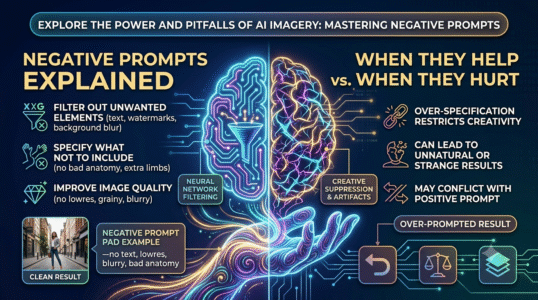
This guide to negative prompts explained: when they help and when they hurt explains the core concepts, practical decisions, and common mistakes to watch for. Use the steps below as a starting point, then verify details against the tools and requirements in your own workflow.
Target a specific failure
If images repeatedly contain extra fingers, unreadable signage, unwanted borders, or clutter, test a short exclusion list. Avoid generic lists copied from the internet without checking whether those problems actually occur in your chosen model.
Avoid conflicting instructions
A prompt that asks for “busy detailed background” and a negative prompt that says “no background details” sends mixed signals. Keep positive instructions clear and use negatives only for elements that should truly be absent.
Measure the difference
Generate matched samples with and without the negative prompt. Compare subject fidelity, composition, and artifacts rather than assuming the longer prompt is better. Some systems do not support negative prompts at all or interpret them differently.
Practical checklist
Treat negative prompts as a targeted experiment, not a substitute for a well-written positive description.
Editorial note: This educational guide explains general methods and does not claim independent product testing. Check official documentation for current features, pricing, and terms before making decisions.